D8R Wallpapers
Photography by Danijel Brecelj. Cities & landscapes wallpapers for your phone.
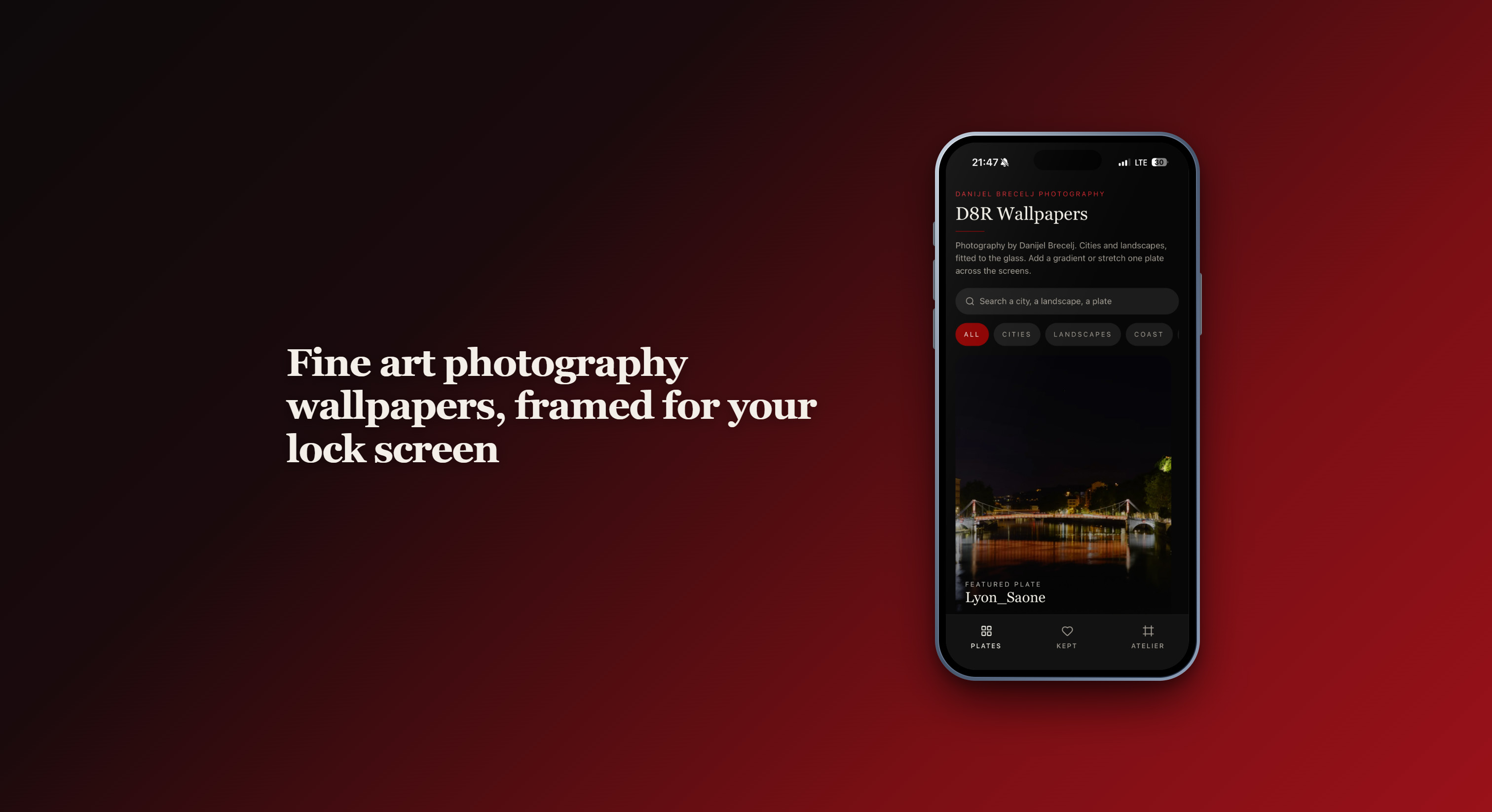
D8R Wallpapers is a collection of wallpapers by Danijel Brecelj Photography: cities, landscapes, coasts, wall art and editorial plates, fitted to the glass.
Browse the plates by category, or search a city, a landscape, a title. Open any plate in the studio to frame and edit it for your phone.
- Drag and zoom to compose the crop
- Gradient overlays: darken or whiten
- Tone grades: Natural, Noir, Silver, Crimson, Film, plus vignette, dim and blur
- Stretch one plate across 1, 2 or 3 screens for a scrolling wallpaper
- Save to your gallery
- Open the system wallpaper picker with Set home, Set lock or Set both
- Keep plates you like; daily or weekly rotation chooses which kept plate shows for home and lock in the app
Premium is a one-time unlock for every premium plate, gradients and filters on all plates, and downloads. Future premium plate additions are included.
No accounts. No ads. Buy and restore through Google Play or the App Store.
In the Atelier section you can also find fine art prints, Lightroom presets, photo licensing and more at danijelbreceljphoto.com.